
The Best Scams Don’t Look Like Scams Until It’s Too Late
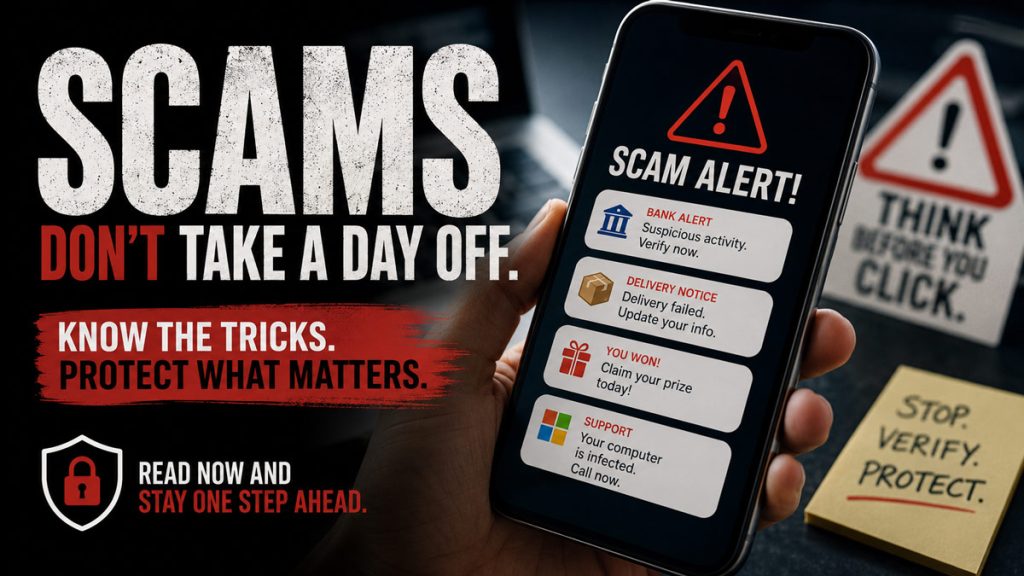
I like to think I’m pretty difficult to scam. I’ve worked with computers since the days when owning one practically required knowing how to take it apart. I’ve built websites, worked with technology for decades, and spent enough time online to recognize most of the garbage that comes through my inbox. And that is exactly the kind of thinking that can get you in trouble.
Scammers aren’t necessarily looking for stupid people. They’re looking for distracted people, worried people, hurried people, trusting people, lonely people, and people who happen to receive the right message at exactly the wrong moment. That includes all of us. The scammer doesn’t need to fool you every day. He only needs to fool you once.
Scams Have Become Much More Believable

There was a time when scam emails were almost entertaining. You’d receive a message from a foreign prince who had mysteriously selected you to help move $14 million out of the country. The spelling was terrible, the story was ridiculous, and apparently the prince had never learned how capitalization worked. Those were relatively easy to spot.
Today’s scams can look remarkably legitimate. A text message can appear to come from your bank. An email can look like an invoice from a company you recognize. A caller can claim to represent Medicare, Social Security, Amazon, your credit-card company, the IRS, or your local utility. Logos can be copied, websites can be duplicated, and email addresses can be made to look convincing at a glance. Artificial intelligence has also made it easier to create polished messages without the spelling and grammar mistakes that once gave scammers away.
The old advice of “look for misspelled words” isn’t nearly enough anymore. Instead, we need to pay attention to something more important: what is this person trying to get me to do?
Urgency Is Probably the Biggest Warning Sign
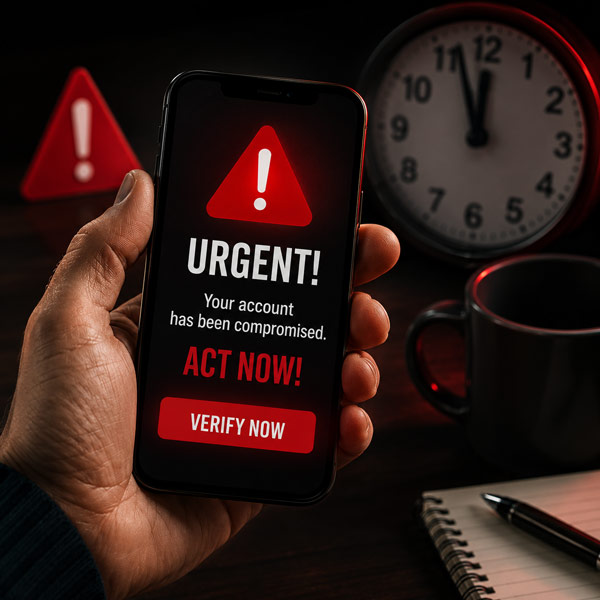
Most successful scams have one thing in common: they don’t want you to think. Your bank account has been compromised. Your computer has a virus. Your Amazon account was charged $847. Your grandchild has been arrested. Your electricity will be disconnected this afternoon. Whatever the story, there is always a reason you need to act right now.
That urgency is intentional because the longer you have to think, the greater the chance you’ll recognize that something doesn’t make sense. Whenever someone creates an emergency and immediately asks for money, account information, passwords, verification codes, or access to your computer, slow things down. You do not have to solve the problem while you’re still on the phone with the person who told you there is a problem.
Hang up and independently contact the organization using a phone number, website, or app you already trust. If your bank supposedly called you, call the number printed on the back of your bank card. If Amazon supposedly contacted you, open Amazon yourself instead of clicking the link in the message. A legitimate problem will still be there five minutes later.
Never Trust Caller ID as Proof of Who Is Calling

One of the mistakes many of us make is assuming that if our phone says the bank is calling, the bank must be calling. Unfortunately, caller ID information can be spoofed, meaning a scammer may be able to make a call appear to come from a familiar company or even a local number.
That changes how we need to think about incoming calls. Caller ID can tell you what the caller claims to be, but it should not be treated as proof of identity. If someone calls claiming to be from your bank and starts asking for sensitive information, there is nothing rude about saying, “I’ll call the bank back myself.” Then hang up and call a number you know belongs to the bank.
Stop Clicking Links Because a Message Tells You To

Suppose you receive a text saying, “Suspicious activity detected on your account. Click here immediately to verify your identity.” Our natural reaction is to click because we want to find out what happened. Instead, stop and ask yourself why you need to use the link in that message at all.
If you think the warning might be legitimate, open the company’s app yourself or type the company’s address into your browser. You can check your account without using the link somebody sent you. The same approach works for package-delivery messages, toll notices, account-expiration warnings, subscription renewals, refunds, invoices, and password-reset notices.
A link is convenient, and convenience is exactly what the scammer is counting on.
Nobody Legitimate Needs You to Hand Over a Verification Code
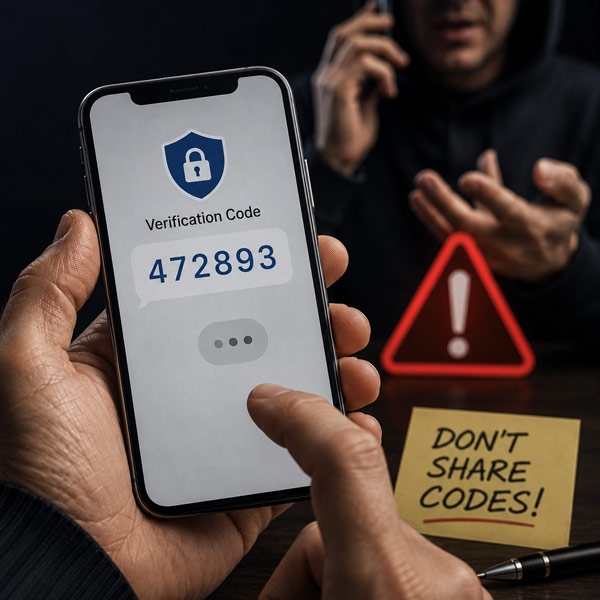
You’ve probably received those six-digit codes by text. They exist because someone is attempting to sign into an account and the company wants another piece of evidence that the person signing in is really you. That makes the code extremely valuable to a scammer.
Someone may call pretending to be from your bank and tell you they are sending a verification code to confirm your identity. A few seconds later, the text arrives, making the whole conversation feel legitimate. Then they ask you to read the code back to them. What may actually be happening is that the scammer is trying to sign into your account and the code that just appeared on your phone is the last thing standing between him and your money.
Treat verification codes like passwords. If someone unexpectedly asks you to read one over the phone, send it by text, or enter it somewhere you didn’t initiate yourself, stop the conversation.
Gift Cards and Cryptocurrency Should Immediately Raise Your Suspicion
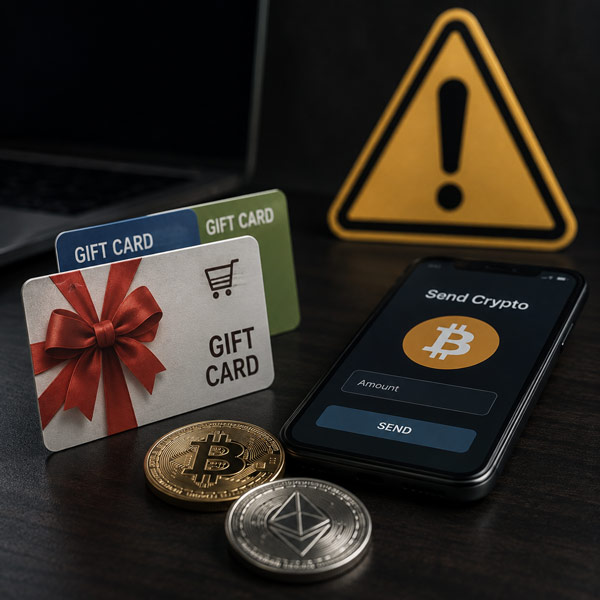
If someone tells you that you owe money and instructs you to drive to a store, buy gift cards, and read them the numbers, you aren’t dealing with the IRS, Microsoft, your bank, the sheriff’s department, or your utility company. You’re dealing with a scammer.
The same caution applies when someone unexpectedly demands payment through cryptocurrency, wire transfers, or other difficult-to-reverse methods. Scammers like payment methods that make recovering your money difficult, which is exactly why unusual payment instructions should immediately make you suspicious.
Think about it this way: when was the last time your electric company legitimately told you to settle your bill with $500 worth of gift cards from Home Depot?
The Grandchild Scam Is Particularly Cruel

This one bothers me because it doesn’t really attack your technology. It attacks your family. Someone calls claiming to be your grandson or granddaughter. There has been an accident, they were arrested, they’re stranded somewhere, or something else terrible has happened. They desperately need money, and for some reason you’re told not to call Mom and Dad.
The scam works because grandparents don’t conduct an investigation when they believe a grandchild is frightened or in danger. They want to help, which is exactly the emotional reaction the scammer is trying to create. With increasingly convincing voice technology, we also can’t assume that recognizing a familiar-sounding voice will always be enough to protect us.
Create a family rule before this ever happens. If someone claiming to be a family member calls with an emergency involving money, hang up and call that person or another family member using a number you already have. Families can even establish a private word or question that an outsider would be unlikely to know. A real grandchild might be irritated that Grandpa is checking. He’ll get over it.
Romance and Friendship Scams Can Take Much Longer
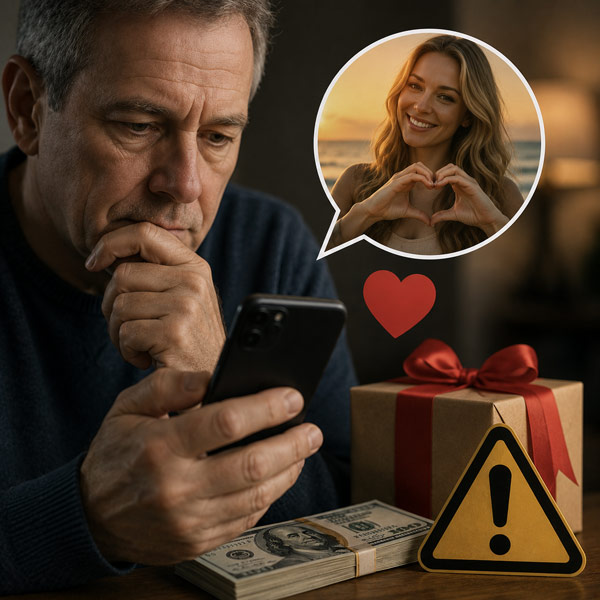
Not every scam happens during a five-minute phone call. Some scammers are willing to spend weeks or months developing a relationship with someone before asking for money. They may meet people through dating websites, Facebook, social media, messaging apps, or online groups. They become friendly, communicate frequently, share stories, and seem genuinely interested in your life.
Eventually there is a problem. They need money for travel. There is a medical emergency. A business deal has gone wrong. Their bank account has temporarily been frozen. They just need a little help until everything gets straightened out. Then, strangely enough, they need a little more.
This is particularly dangerous because by the time money enters the conversation, the victim may no longer think of this person as a stranger. There may be a genuine emotional attachment even though the person on the other end has been manufacturing the relationship from the beginning. That is exactly why these scams work.
Your Computer Isn’t Infected Because a Web Page Says It Is
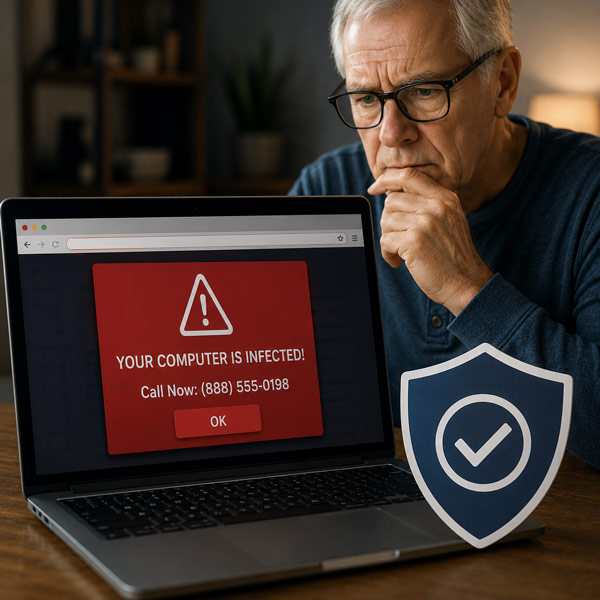
We’ve probably all seen one of these. You’re browsing the internet when suddenly a warning appears telling you that your computer has been infected, your information is at risk, and under no circumstances should you turn off the computer. Conveniently, there is a phone number for “Microsoft Support” displayed prominently on the screen.
It looks terrifying because it is supposed to look terrifying. The goal is to get you on the phone before you have time to think about what you’re seeing. Once you call, the person may try to convince you to install software that gives them remote access to your computer. At that point, a frightening message on a web page can turn into a much bigger problem.
Don’t call the number, don’t install the software, and don’t give a stranger remote access to your computer. Close the browser window. If necessary, restart the computer. If you’re genuinely concerned, contact someone you trust to look at it.
Passwords Still Matter, but You Don’t Need to Memorize 75 of Them
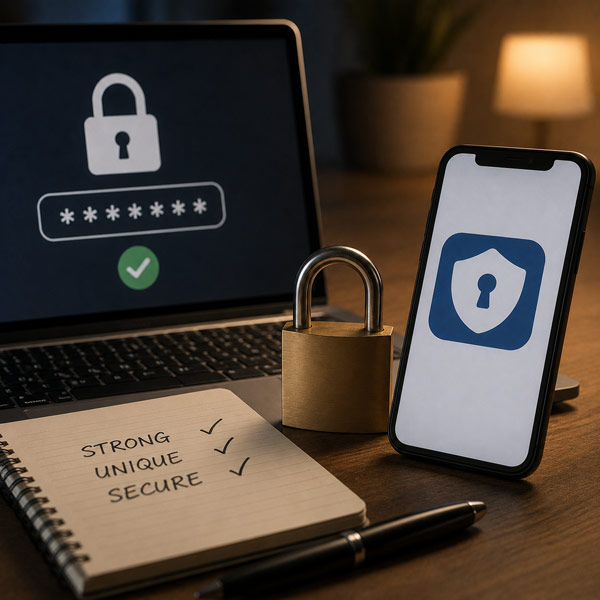
We have been told for years to use strong passwords, which is good advice. The problem is that most of us have dozens of accounts, and remembering a different complicated password for every website isn’t realistic. The predictable result is that people reuse passwords. Then one company suffers a data breach and suddenly the same email address and password combination may unlock several other accounts.
A password manager can make this much easier by creating and storing unique passwords for you. Whenever possible, also turn on two-factor or multi-factor authentication, particularly for your email, banking, financial, and other important accounts.
Your email account deserves special attention because access to your email can sometimes be used to reset passwords for many of your other accounts. If you’re going to be particularly protective of one password, make it the one that protects the keys to the rest of the house.
Don’t Be Embarrassed If You Almost Fall for One
This may be the most important thing I can say. If you nearly fall for a scam, tell somebody. If you actually fall for one, tell somebody even faster.
Embarrassment is useful to scammers because embarrassed victims hesitate. They don’t call the bank. They don’t tell their spouse. They don’t contact their credit-card company. They don’t ask their son, daughter, friend, or computer-savvy neighbor for help. Meanwhile, the scammer has more time to move money, access accounts, change passwords, or come back for another payment.
The faster you recognize what happened and start contacting the appropriate financial institutions and changing compromised passwords, the better your chances of limiting the damage. Falling for a sophisticated scam doesn’t mean you’re stupid. It means somebody successfully manipulated your trust, fear, curiosity, generosity, or sense of urgency.
My Simplest Rule for Avoiding Scams
We could create a checklist with 25 rules, but I think most scams can be defeated with one habit: when somebody contacts you unexpectedly and wants money, information, access, or immediate action, stop the conversation and verify everything independently.
Don’t use the phone number they gave you, don’t click the link they sent you, and don’t trust the name appearing on caller ID as proof of who is calling. Most importantly, don’t let somebody convince you that you have only three minutes to prevent disaster. Hang up, close the message, and make a cup of coffee if necessary. Then investigate.
Technology changes quickly, and scams will continue getting more sophisticated. Artificial intelligence will make fake voices, fake photographs, fake emails, and fake identities increasingly convincing. That means our defense can’t simply be learning what yesterday’s scams looked like. We need to recognize the behavior behind them.
Someone creates fear or excitement. They establish trust. They create urgency. Then they ask us to do something we normally wouldn’t do.
That’s the moment to stop, because when it comes to avoiding scams, being a little suspicious isn’t paranoia. These days, it’s just good common sense.
If you liked what you read, please share with your social network! Thanks.